Toki Updates

Weekly AI Schedule Recap
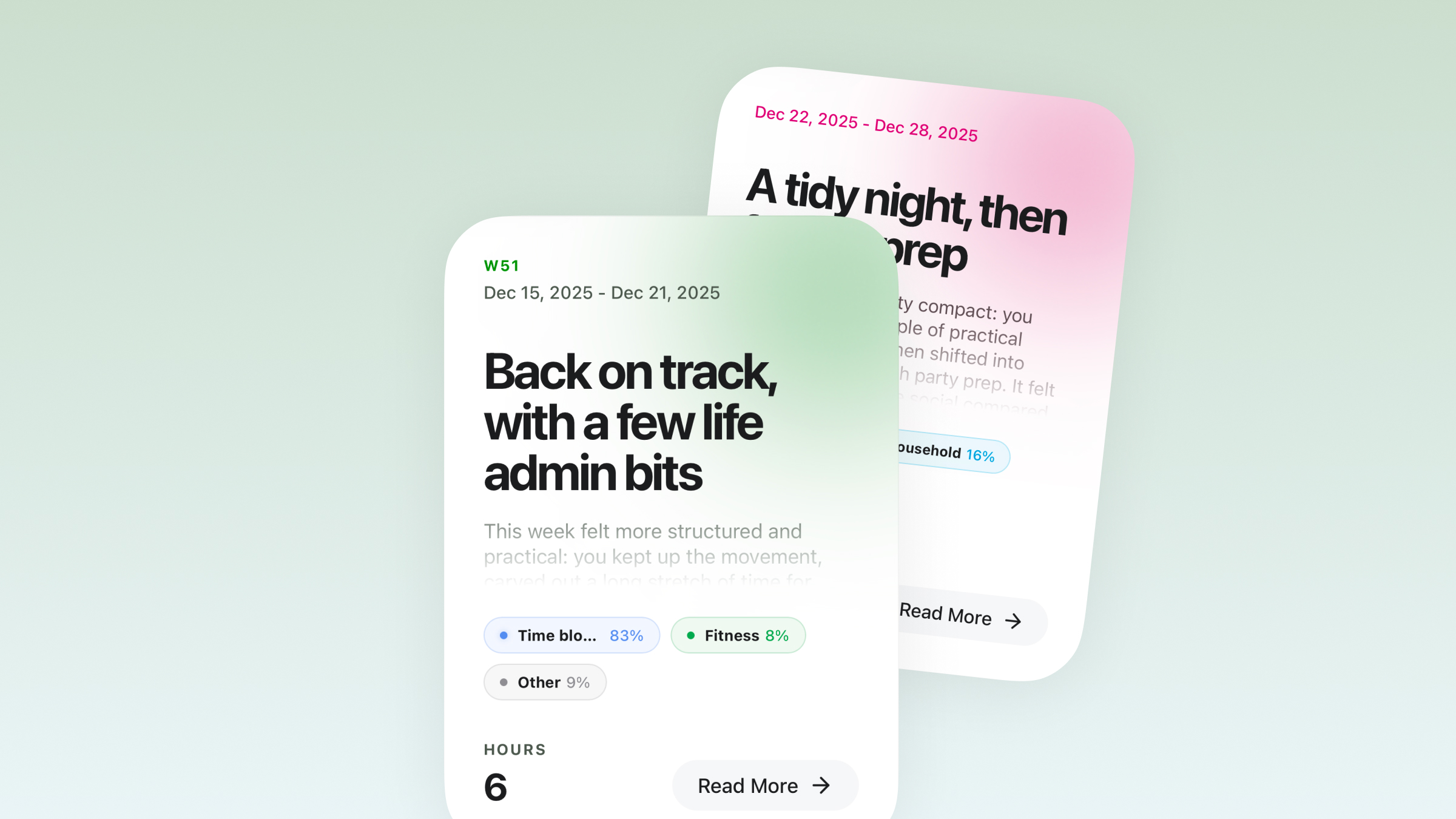
Weekly AI Schedule Recap
  • See your week at a glance, broken into clear time blocks. โฑ๏ธ
  • Toki maps out your weekly rhythm, so you instantly know what your time went to and how your days flowed. ๐ŸŒ™โ˜€๏ธ
  • Share your weekโ€™s vibe with friends right from your device ๐Ÿ“ฒโœจ
  • See more detailes through Settings โ†’ Smart Insights.

Toki is now available on Apple Watch!

You can now use Toki right from your Apple Watch to:

  • ๐Ÿ“… View your schedule for today and the next 7 days
  • ๐ŸŽ™๏ธ Send voice messages to Toki to plan events on the go
  • โŒš๏ธ Stay on top of your day with a quick glance at your wrist

โ„น๏ธ Supports GPS-only Apple Watch models. Your iPhone needs to be nearby for this feature to work.

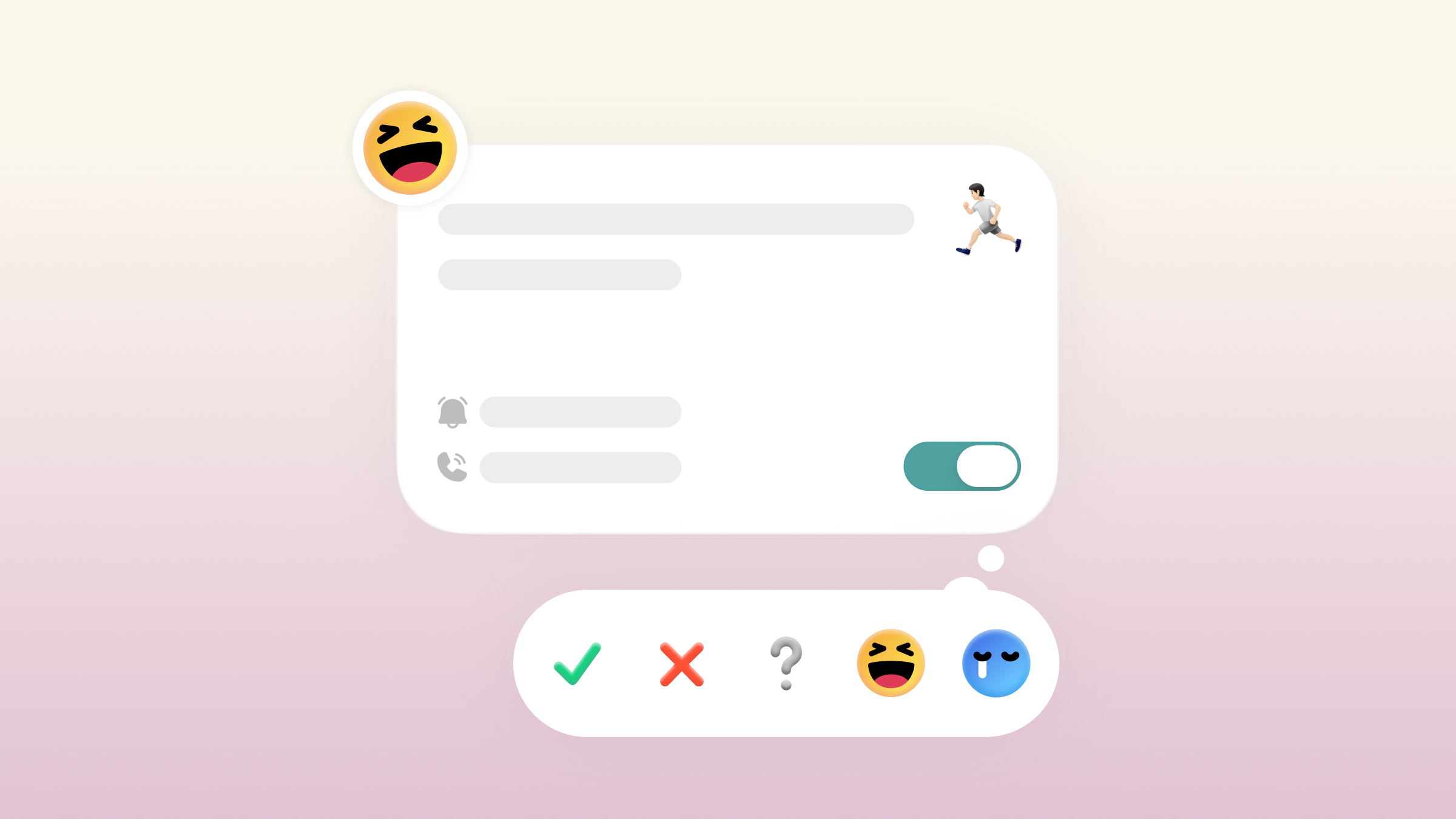
React to Events in a Tap

React to Events in a Tap
  • In one tap, you can capture a status, a result, or a mood and make your calendar instantly more readable. โœ…๐Ÿ˜†๐ŸŒ™
  • Change or remove your reactions anytime (no commitment, no clutter)
  • Reactions stay synced across all calendar views for a consistent overview ๐Ÿ”„๐Ÿ‘€

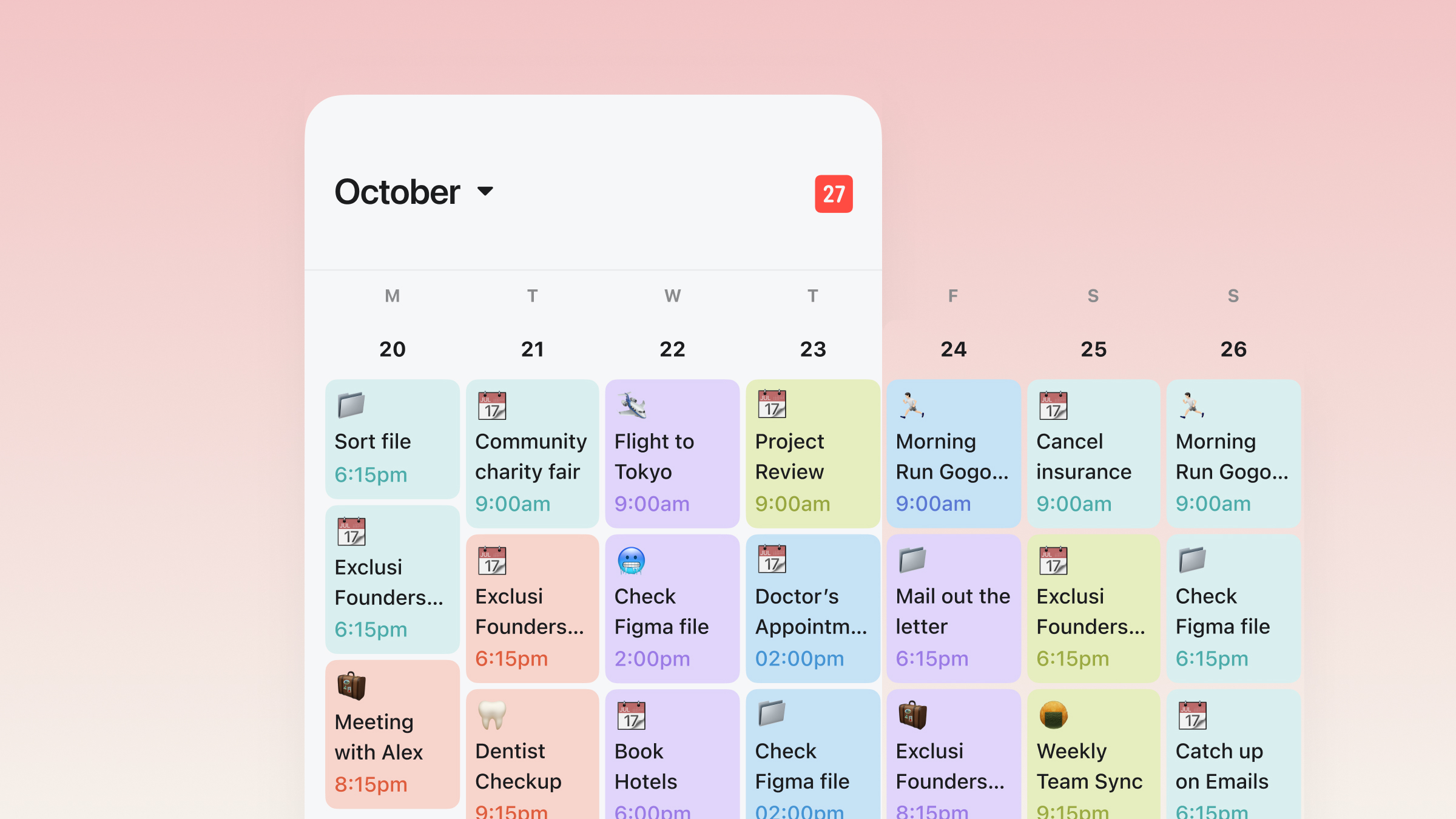
See Your Week on a Canvas

See Your Week on a Canvas

Meet Tokiโ€™s canvas-style calendar, our signature view built for scanning, zooming, and staying oriented. โœจ

  • Pinch to zoom between views, seamlessly ๐ŸŽฏ๐Ÿค
  • Swipe up/down to jump between months instantly โšก๏ธ
  • Tap any day to expand or collapse details, so you only see what you need ๐Ÿ‘€
  • A cleaner, faster way to check your plans, without losing the big picture. ๐Ÿงญ

Zoom in to focus on 1 day or 3 days, or zoom out to see your whole week at a glance. ๐Ÿ”โžก๏ธ๐Ÿง